Fish Procedural Animation
Controls:
Pause/Unpause -> P
Switch Menu -> TAB
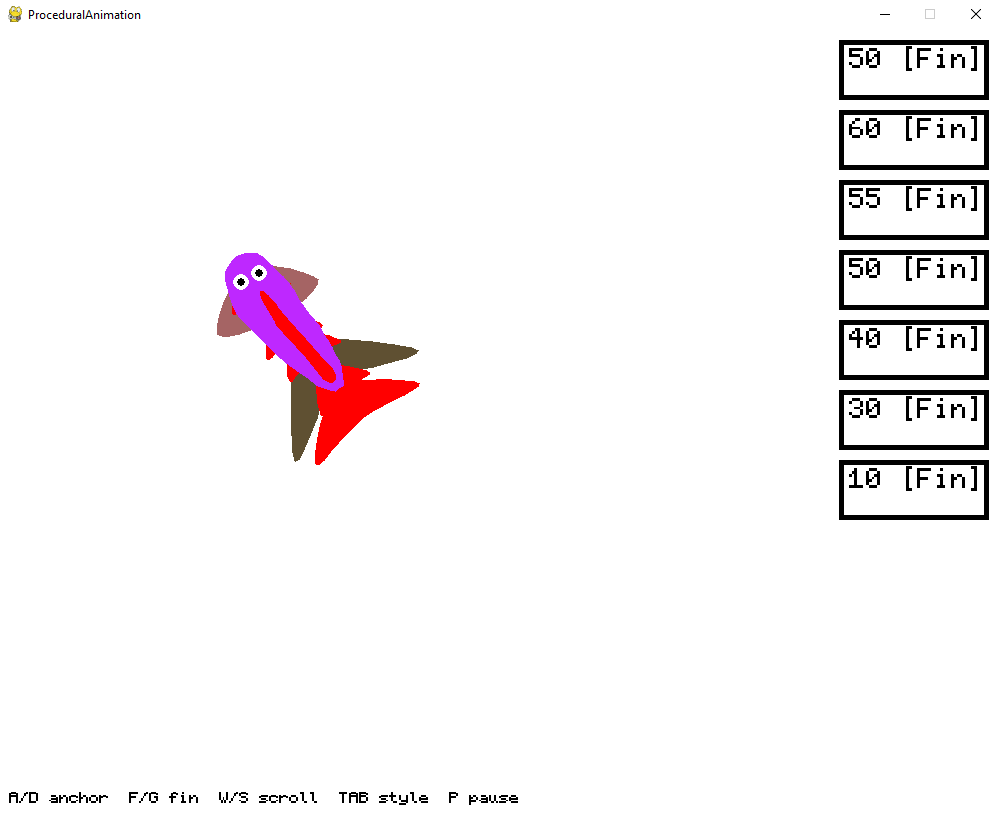
AnchorMenu (Big Outline):
- lets you control size of segments of the fish. By clicking (Left Click increase , Right Click decrease) on active UiBlocks (Red Outline).
- It lets you add new segments it will be placed after active UiBlock (A) or delete existing ones (D).
- If the Menu becomes too long you can scroll using (W - Up , S -Down).
- You can add new pectoral Fins (One Set of Fins per segment) using (F) or remove existing ones by using (G)
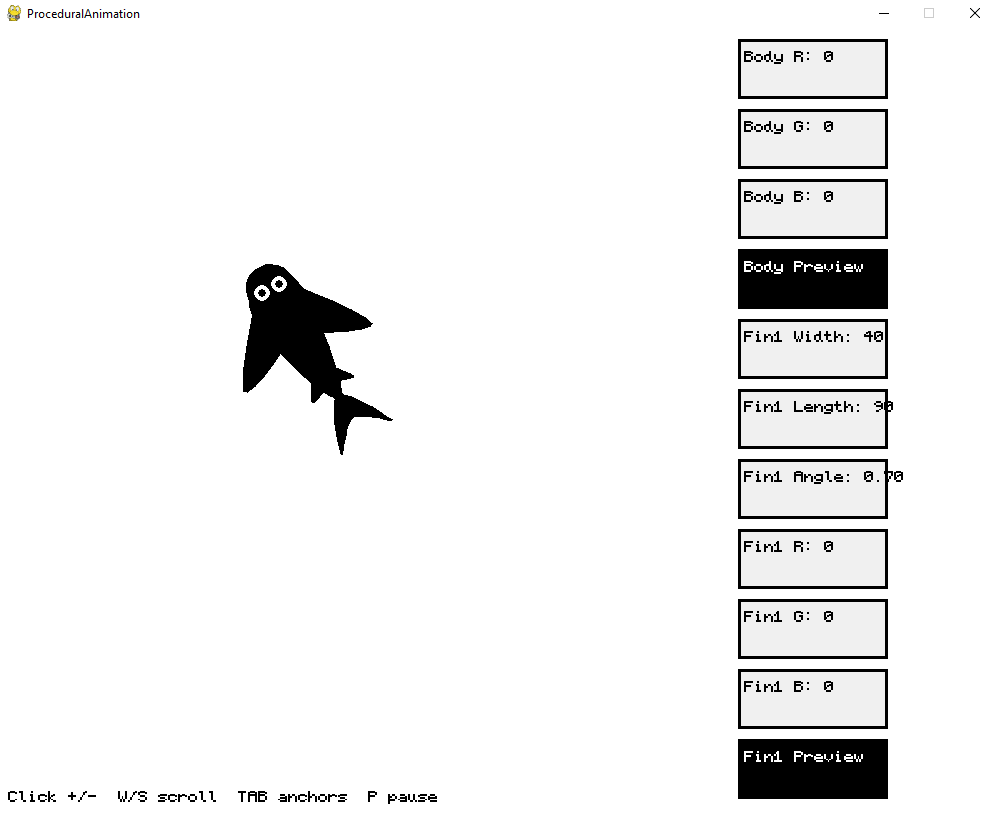
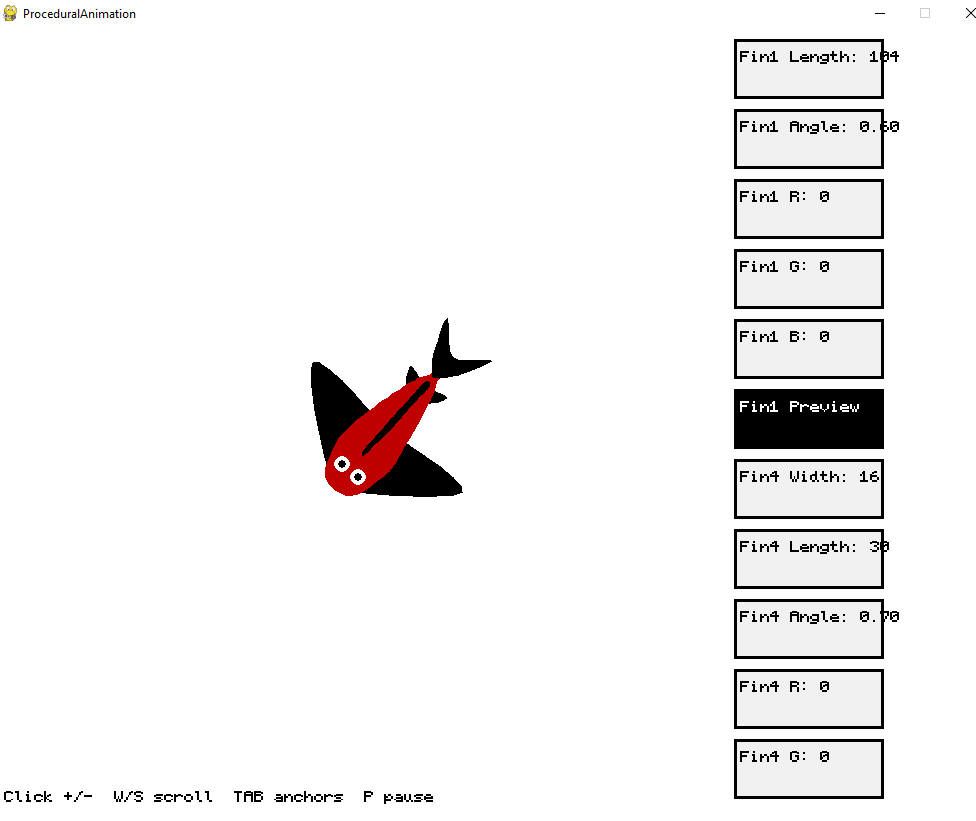
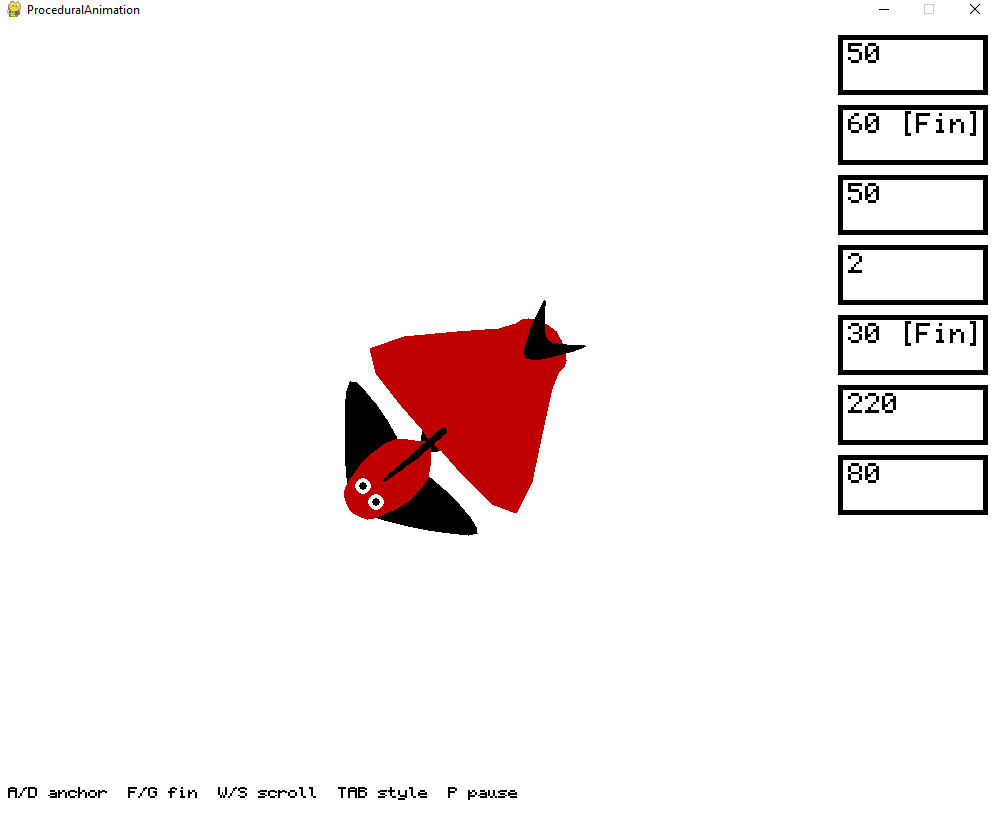
Style Menu (Small Outline) -> Parameters below are controlled by(Left Click increase , Right Click decrease) on active UiBlocks (Red Outline). :
- Lets you controll color of body (RGB)
- Size of Dorsal Fin - > How much it sticks out segment centers
- Parameters of Tail Fins
- Color -> RGB Color ,
- Angle ->Angle of indentation in radians,
- Size -> Lenght between center of last segment and tip of the fin,
- InSize -> Lenght of the Fin - Lenght of the indentation
- Parameters of Pectoral Fins
- Color -> RGBColor ,
- Angle -> How they are rotated in relation to segment they are attached to fraction you can change refers to fraction of pi being added,
- Lenght -> Lenght of the part stick from segment,
- Width -> Width of part parallel to segment)
All Hail Pygbag
Leave a comment
Log in with itch.io to leave a comment.